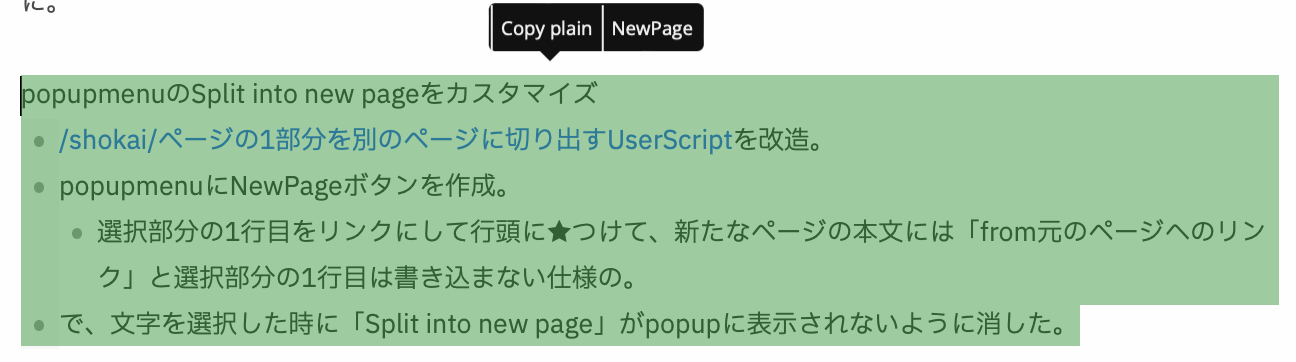
PopupmenuのSplit Into New Pageをカスタマイズ
- shokai_ページの1部分を別のページに切り出すUserScriptを改造。
- popupmenuにNewPageボタンを作成。
- 選択部分の1行目をリンクにして行頭に★つけて、新たなページの本文には「from元のページへのリンク」と選択部分の1行目は書き込まない仕様の。
- で、文字を選択した時に「Split into new page」がpopupに表示されないように消した。
- いつの間にか個別にページを切り出すボタンが「Split into new page」という名前になったんでしょう。
↓↓↓

code:script.js
- scrapbox.PopupMenu.addButton({
- title: "NewPage",
- /*"\uf56f", */// fa-object-ungroup のUnicode
- onClick: text => {
- const lines = text.split(/\r\n/g)
- const title = lines0
- .trim()
- .replace(/^+.icon]/gm, '')
- .replace(/[[]]/g, '')
- const projectRoot = (() => {
- const tmp = location.href.split('/')
- tmp.pop()
- lines.shift()
- return tmp.join('/')
- })()
- const body = encodeURIComponent(lines.join('\n'))
- window.open(
${projectRoot}/${title}?body=${body}) - return
💡${title}$ - }
- });
  - // -----------------------------
  - // Font Awesome 用のスタイルを注入
  - // -----------------------------
  - const style = document.createElement("style");
  - style.textContent = `
      - .selections .popup-menu .button-container .button {
          - font-family: "Font Awesome 5 Free", "Font Awesome 5 Brands", sans-serif;
          - font-size: 14px;
          - line-height: 2;
      - }
  - `;
  - document.head.appendChild(style);
code:js
- scrapbox.PopupMenu.addButton({
- title: 'NewPage',
- onClick: text => {
- const lines = text.split(/\r\n/g)
- const title = lines0
- .trim()
- .replace(/^+.icon]/gm, '')
- .replace(/[[]]/g, '')
- const projectRoot = (() => {
- const tmp = location.href.split('/')
- tmp.pop()
- lines.shift()
- return tmp.join('/')
- })()
- const body = encodeURIComponent(lines.join('\n'))
- window.open(
${projectRoot}/${title}?body=${body}) - return
💡${title}$ - }
- })
code:style.css
- /popupmenuのSplit into new pageを消す/
- .selections .popup-menu .button-container .button.split-page-button
- {
- display: none !important;
- }